Recover Shipping Overcharges from Your WooCommerce Store
Install the ShipSherlock plugin, connect your carrier accounts, and we'll automatically audit every shipment for billing errors. Late deliveries, duplicate charges, invalid surcharges — we catch them all and file refund claims on your behalf.
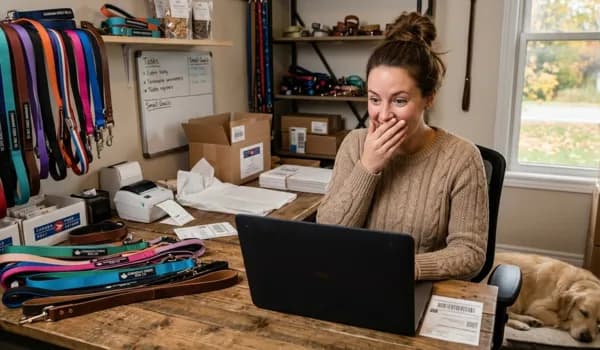
“Most businesses are too busy to track these things, but they can add up. Shippers aren't drawing attention to these errors, or the money you might be owed!”
— David, ShipSherlock Founder
Why WooCommerce Store Owners Love ShipSherlock
Automatic Sync
Every fulfilled order is automatically synced to ShipSherlock. Tracking numbers, carrier info, shipping dates — all captured without any manual work.
Pay Only on Recovery
No subscription fees. No upfront cost. We take 50% of what we recover — if we find nothing, you owe nothing.
All 4 Canadian Carriers
UPS, FedEx, Canada Post, and Purolator. We audit them all and know the specific billing rules for each Canadian carrier.
Get Set Up in 5 Minutes
Three steps to start recovering money from your shipping invoices.
Create Your ShipSherlock Account
Sign up at shipsherlock.com and connect your carrier accounts (UPS, FedEx, Canada Post, or Purolator). This gives us the access we need to pull your invoices and file claims.
Create AccountGenerate Your API Key
In your ShipSherlock dashboard, go to Settings → API Keyand click "Generate API Key". Copy the key — you'll paste it into the plugin in the next step.
Your key will look like this:
ss_a1b2c3d4e5f6...Install the Plugin & Paste Your Key
Download the plugin, upload it to your WordPress site, and activate it. Then go to WooCommerce → Settings → ShipSherlockand paste your API key. Click "Test Connection" to confirm everything is working.
The WooCommerce plugin has been submitted to the WooCommerce Marketplace and is in final review. Sign up on the web today to lock in your founders rate — your account transfers to the plugin automatically when it launches.
Need help installing a WordPress plugin?
1. In your WordPress admin, go to Plugins → Add New → Upload Plugin.
2. Choose the .zip file you just downloaded and click Install Now.
3. Click Activate when the installation finishes.
4. Go to WooCommerce → Settings → ShipSherlock tab and paste your API key.
That's It — You're Done
Once connected, ShipSherlock automatically syncs your fulfilled orders and starts auditing shipments. You'll see recovery stats right in your WooCommerce dashboard and your ShipSherlock account.
Questions? Email us at [email protected]
What the Plugin Does
Auto-syncs fulfilled orders
Every time an order is marked complete, the tracking number and carrier are sent to ShipSherlock for auditing.
Extracts tracking numbers
Works with WooCommerce Shipment Tracking and other popular tracking plugins. No manual data entry.
Dashboard recovery widget
See total money recovered, pending claims, and orders audited right in your WooCommerce admin.
Daily background sync
A daily cron catches any orders where tracking was added after fulfillment — nothing slips through the cracks.
HPOS compatible
Fully compatible with WooCommerce High-Performance Order Storage for stores running the latest WooCommerce versions.
Lightweight & secure
No bloat. The plugin communicates via your API key over HTTPS. No sensitive data stored in WordPress.
Start Recovering Money Today
Join Canadian WooCommerce store owners who are getting back the money their carriers owe them. No risk, no upfront cost.
Get Started Free